
BlackMagic Design
Blackmagic Design DWCLDI/CLD020 DaVinci Resolve Cloud Store 20TB
(No reviews yet)
Write a Review
- SKU:
- DWCLDI/CLD020
- UPC:
- 9338716007763
- MPN:
- DWCLDI/CLD020
- Condition:
- New
- Availability:
- In Stock Products Ship 1-2 Days Warehouse Direct From FL NC NJ or AZ


Frequently bought together:
Description
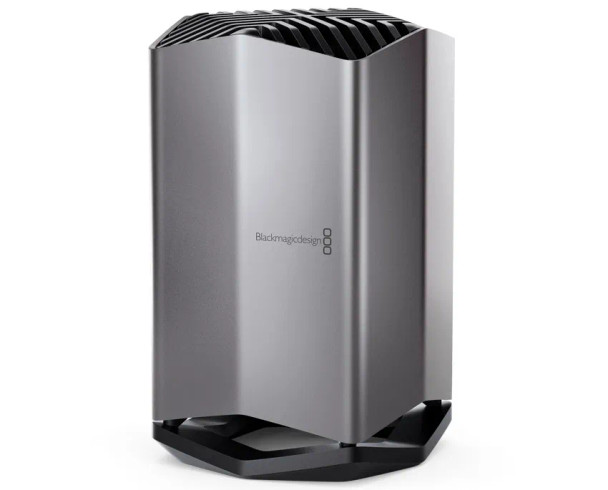
Blackmagic Design Cloud Store 20TBHigh Performance Network Storage with Global SyncThe Blackmagic Cloud Store is a very fast high capacity network disk that's designed to handle large media files used on Hollywood feature films. The design uses advanced flash memory so it easily handles lots of simultaneous users. Plus it's extremely easy to set up! With Dropbox live sync, files can be distributed between multiple units globally for very fast local file access, even on lower cost internet connections. Unlike SAN systems, you don't need IT consultants and there are no subscription fees. There's even an HDMI monitor output with real time storage status! All this means you get much better features than discount storage products sold at office supply stores.Designed forFilm and TelevisionBlackmagic Cloud Store is the perfect network storage solution for any use! But it's perfect for film and television where large media files need to be shared between multiple users for editing, color correction, audio post and VFX work. It even handles massive 12K Blackmagic RAW digital cinema files! Each user gets zero latency and they don't need to store files on their local computer. It's the perfect solution for DaVinci Resolve! Dropbox sync allows multiple disks to be synchronized in different locations globally. Then each location gets the fastest editing experience possible. That&rsquo,s critical for multicam editing where multiple media files are playing simultaneously!Portable and Quiet DesignUnlike IT industry storage products that are rack mounted and have loud cooling fans, the Blackmagic Cloud Store is an elegant vertical design that's portable. It's also whisper quiet so it can be used on location. Internally it has an array of flash memory cards working in parallel for speed and data protection. There are even 2 redundant power supplies! The four 10G Ethernet ports operate as a switch so you can connect four separate computers, or they work together using ",link aggregation", for a massive 40G Ethernet speed. There is also an HDMI monitoring output so you can watch a live graphic view of the storage operating on a TV or monitor. It can even be maintained and repaired!USB‑C IngestThe USB-C ingest port will automatically load from any disk plugged " It&rsquo,s fully automatic and you simply plug in a USB media dock or a USB disk. Ethernet over USB is also supported on this port.USB‑C BackupThis USB-C port will automatically backup cloud store files to any USB disk plugged into the port. It&rsquo,s a low cost way to protect your critical files! Ethernet over USB is also supported on this port.HDMI Monitor OutputThe HDMI monitor output lets you see the status of your cloud store in real time. Simply plug in a TV or monitor. You can see a storage map, speed graphs, sync, active users and power status!1G EthernetThe two 1G Ethernet connections are provided for slower connections such as the internet or slower computers. They are part of the built in Ethernet switch and help keep the faster 10G ports free.10G EthernetThe 10G Ethernet ports allow 4 separate computers to be connected. That&rsquo,s great for mobile use as the 10G Ethernet switch is built in! Plus all 4 connections can work together as a 40G Ethernet link!AC PowerA standard IEC power socket is for connecting AC power. All international AC voltages are supported so you can use it globally. Plus there are 2 internal power supplies allowing full redundancy.Flash Memory AllowsMultiple Simultaneous UsersThe Blackmagic Cloud Store is available in 20 TB, 80 TB and massive 320 TB models, so you have lots of space for all your business files and video media. With video the standard for information delivery in business, that's enough capacity to store all your media in a single location on your network. M.2 flash memory cards are used for extreme reliability, high access speeds and zero seek times. Plus the M.2 cards are arranged in parallel RAID 5 groups so they can operate much faster than a single card. That ensures massive speed combined with fault tolerance. If a faulty M.2 card is detected, the cloud store will automatically enter read only, so you can still access your files.High Performance for Digital Film FilesWith 4 separate very high speed 10G Ethernet connections, Blackmagic Cloud Store is extremely fast. The internal memory core has been designed to saturate all four 10G Ethernet ports to their theoretical maximum speed, all at the same time! It&rsquo,s so fast, most computers cannot keep up! Plus file access is very low latency, so responsiveness is fast. That&rsquo,s possible because of the massive parallel processing used by the memory core. At maximum speed, the Blackmagic Cloud Store is extremely quiet with very little cooling fan noise. Even when editing large 12K digital film RAW files. It&rsquo,s so fast, multicam editing is incredibly smooth, even if it&rsquo,s used with massive digital film camera files!Sync to DropboxNow you can setup a local cache of your Dropbox files! This makes working much faster because files are instantly available without needing to be loaded from the internet. Blackmagic Cloud Store will constantly work to stay in sync. Plus you can also save space on your computer by moving cached Dropbox files to the Blackmagic Cloud Store so they are accessible to everyone on your local network. You can even sync multiple Blackmagic Cloud Stores via Dropbox so people in different geographic locations can collaborate without latency because everyone has a local copy of the files. Dropbox is also a fantastic backup solution!Add Cloud ServiceMake sure your Blackmagic Cloud Store is connected to the internet. Enter in your Dropbox account details, so the Cloud Store can get access to allow sync.Set Sync FoldersNext you need to set the sync folders. That tells the Blackmagic Cloud Store where to sync its files to the remote Dropbox. You can have multiple sync folders for different jobs!Set Sync DirectionNow set the sync direction. One direction is good when you have local files you want to share, but not enough room for everyone&rsquo,s files. Both directions means everyone gets the same set of files.Distribute Files GloballyWith support for Dropbox sync, you can use multiple Blackmagic Cloud Store units to share files globally. That&rsquo,s extremely important when working with large datasets or massive digital film and video files. These files need to be constantly accessed dozens of times a second, so most internet connections are too slow to handle it. While the internet has too much latency to access large files remotely, you can use it to sync these files. Syncing the files to local storage totally eliminates delays in accessing them. That's because everyone has a local copy of the files on their network. Blackmagic Cloud Store will constantly sync files, even if your computer is turned off!Real Time MonitoringThe most exciting feature is the HDMI monitoring output! Simply connect a TV or monitor to see live status of the Blackmagic Cloud Store! The storage map shows a graphic representation of the memory core and where the read and write access is happening for the connected users. It&rsquo,s quite mesmerizing to watch! There are also four graphs that show you the data transfers on the four main 10G Ethernet connections. The main space indicator shows you the capacity of the memory core and how much is currently used. You can also add a custom name to the store! The status for each Dropbox connection is also shown. It's even possible to see connected users and the power supply status.Usage IndicatorOn the top left you can see the storage capacity indicator. The number on the left is the space used and the number on the right is the total memory capacity of the model of Blackmagic Cloud Store.
View AllClose
Related Products
Related Products
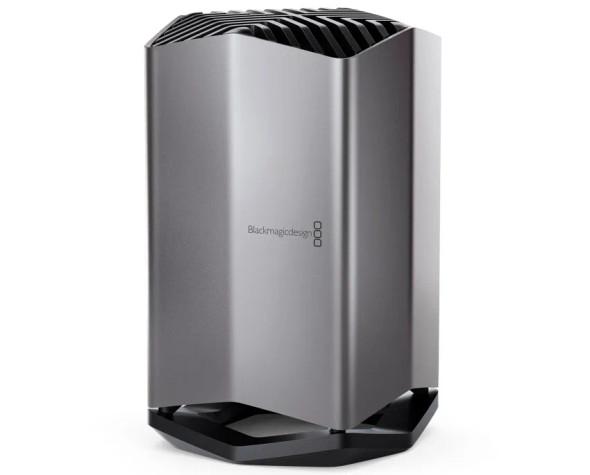
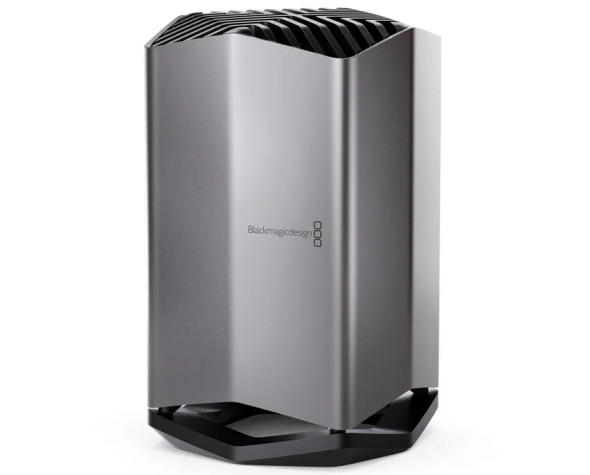
Blackmagic Design DWCLDI/CLD080 DaVinci Resolve Cloud Store 80TB
BlackMagic Design
$18,559.00
Blackmagic Design Cloud Store 80TBHigh Performance Network Storage with Global SyncThe Blackmagic Cloud Store is a very fast high capacity network disk that's designed to handle large media files...

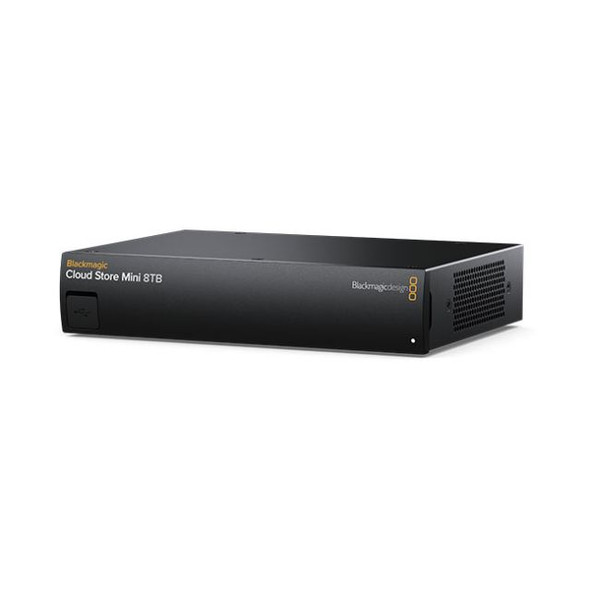
Blackmagic Design DWCLDE/CLDMINI08 DaVinci Resolve Cloud Store Mini 8TB
BlackMagic Design
$1,815.00
Blackmagic Design Cloud Store Mini 8TBHigh Performance Network Storage with Global SyncThe Blackmagic Cloud Store Mini is a fast network storage solution in a compact rack mount design. It features a...
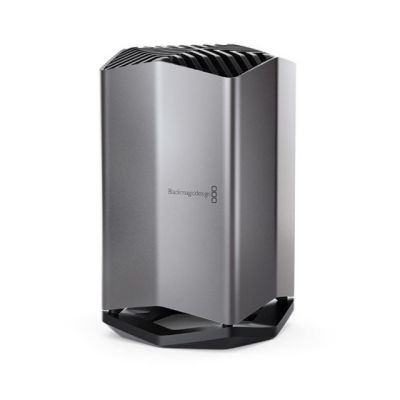
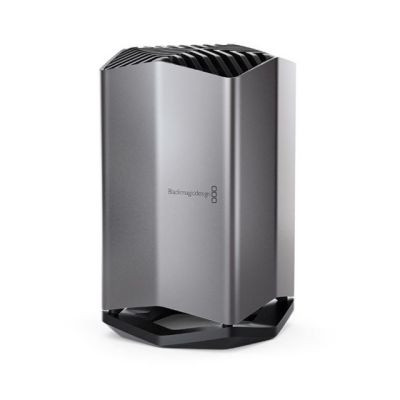
Blackmagic Design DWCLDI/CLD320 Cloud Store 320TB
BlackMagic Design
$105,905.00
Blackmagic Design Cloud Store 320TBHigh Performance Network Storage with Global SyncThe Blackmagic Cloud Store is a very fast high capacity network disk that's designed to handle large media files...

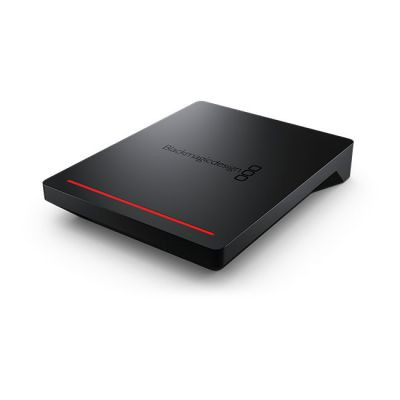
Blackmagic Design DWCLDA/POD DaVinci Resolve Cloud Pod
BlackMagic Design
$475.00
Blackmagic Design Cloud PodTurn any USB disk into network storage!The Blackmagic Cloud Pod lets you turn any USB-C disk into network storage. That&rsquo,s perfect when you want to share a media...


Blackmagic Design DV/RESSTUD DaVinci Resolve Studio
BlackMagic Design
$325.00
Because audio for film and television is a lot more complex, we think integrating it into DaVinci Resolve will make it so fast and easy. It&rsquo,s just a button click away. Plus, it also works...